8 min read
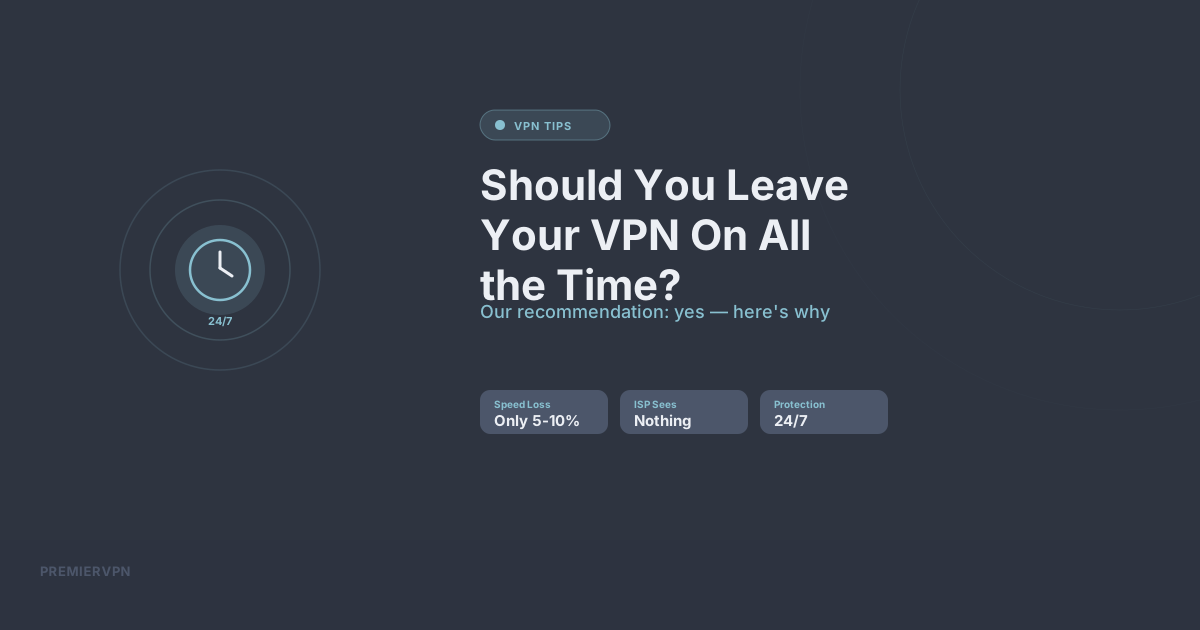
You've set up your VPN. You use it when you remember. But should you just leave it on permanently? The short answer: for most people, yes. Here's why.
The Case for Always-On
Consistent Privacy
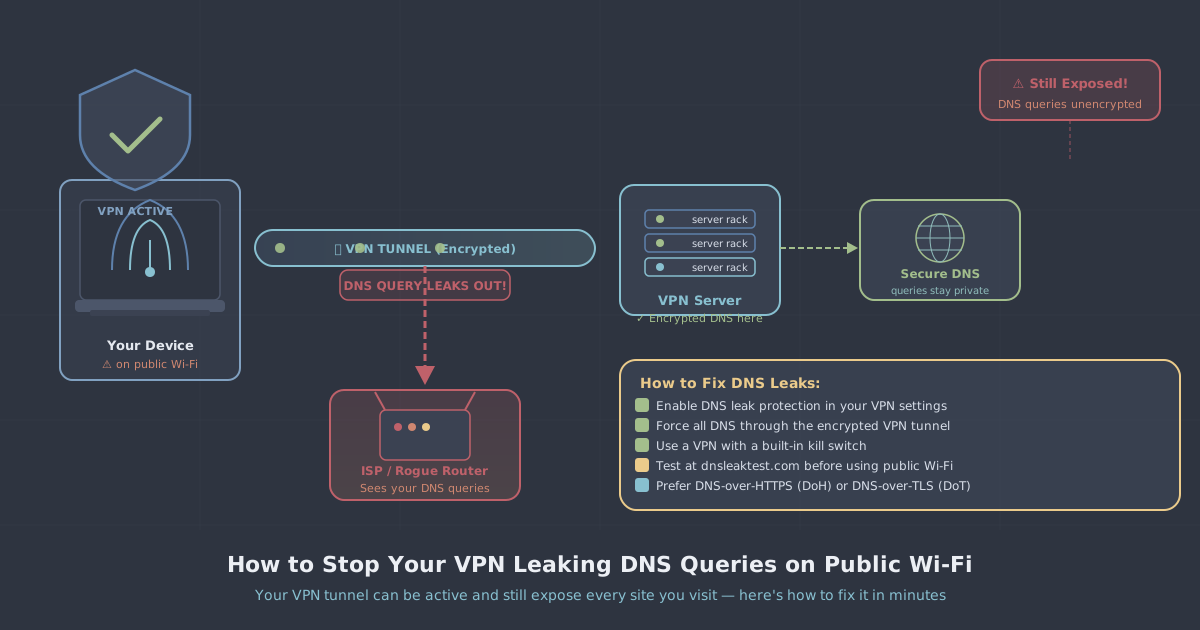
If your VPN is always on, you never have to think about it. Every website visit, every DNS query, every download — it's all encrypted and routed through the VPN. There's no window of exposure because you forgot to connect.
ISP Can Never Log Your Activity
In the UK, ISPs are legally required to store your browsing history for 12 months. If your VPN is always on, your ISP's logs show nothing but encrypted traffic to a VPN server. No website names, no services, no content.
Protection You Don't Have to Think About
The best security is the security that works without you having to remember it. Leaving your VPN on means you're protected when you check your phone at 2am, when your laptop auto-connects to the hotel Wi-Fi, and when your smart TV phones home to its manufacturer.
The Trade-offs
Slight Speed Reduction
With WireGuard, the speed impact is minimal — typically 5-10% on a nearby server. Most people won't notice this during everyday browsing, streaming, or video calls. If you're doing something bandwidth-intensive like large file transfers, you might occasionally want to disconnect.
Some Services May Block VPN IPs
A few banking apps or government services might flag VPN connections. If you encounter this, you can temporarily disconnect, complete the task, and reconnect. This is rare and getting less common.
Battery Life on Mobile
WireGuard is extremely efficient — the battery impact is negligible on modern phones. OpenVPN uses more battery. If battery life is a concern, make sure you're using WireGuard.
When You Should Definitely Be Connected
- On any public Wi-Fi network — always
- When banking or shopping online
- When torrenting or downloading
- When travelling abroad
- When searching for anything you wouldn't want your ISP to see
- When working remotely with sensitive data
Our Recommendation
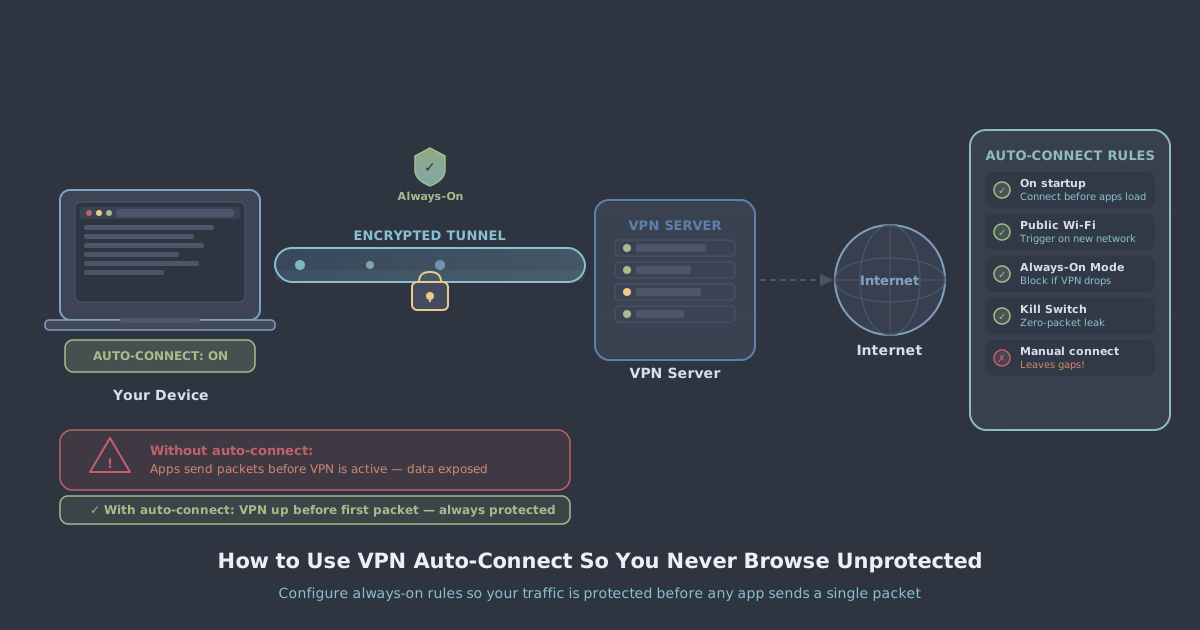
Leave it on. The trade-offs are minimal with a modern VPN using WireGuard, and the privacy benefits are significant. Set your VPN app to connect automatically on startup and forget about it. Your browsing stays private, your data stays encrypted, and you never have to wonder "am I protected right now?"
PremierVPN's apps support auto-connect on startup on every platform. Enable it once and you're protected for life.