Install the app
You install one package file. It brings in everything else it needs and starts a small background service, premiervpn-helper, that manages the VPN connection.
1. Find out which package you need
Open a Terminal and run dpkg --print-architecture on Ubuntu or Debian, or uname -m on Fedora. Then download the package for what it prints:
Ubuntu and Debian · ARM
The command prints arm64. Raspberry Pi 5, ARM laptops and Linux VMs on Apple Silicon.
2. Install it
In the folder you saved the file to (usually ~/Downloads):
cd ~/Downloads
sudo apt install ./premiervpn_2.0.2_amd64.deb
Fedora
cd ~/Downloads
sudo dnf install ./premiervpn-2.0.2-1.x86_64.rpm
On ARM, use the arm64 or aarch64 file name instead. Use apt install ./… or dnf install ./… rather than dpkg -i, so everything the app needs installs too.
"Download is performed unsandboxed as root"?
That notice from apt is harmless. To avoid it, copy the file to /tmp first and install it from there.
3. Open PremierVPN
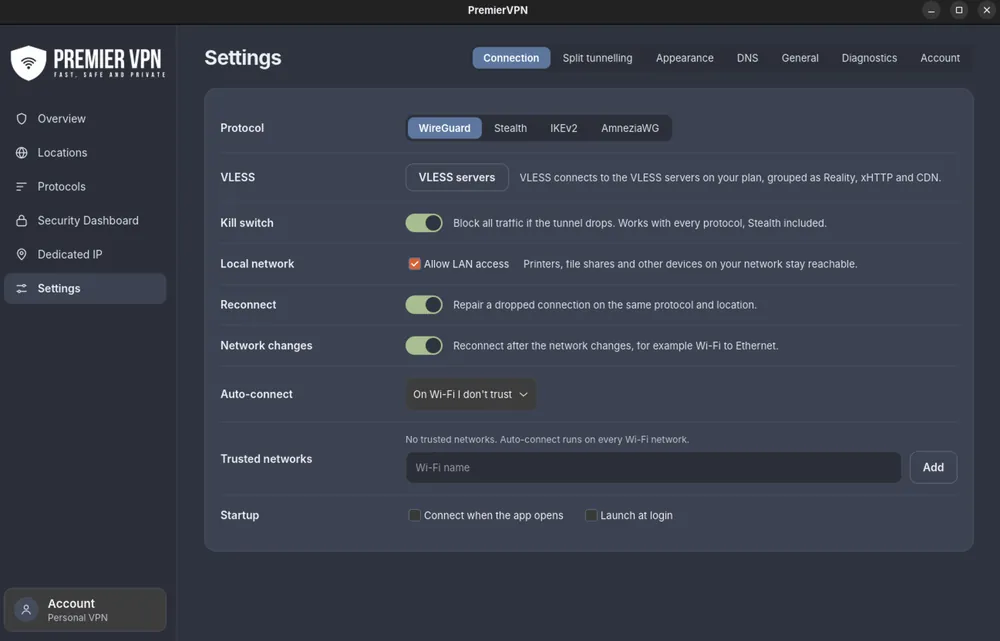
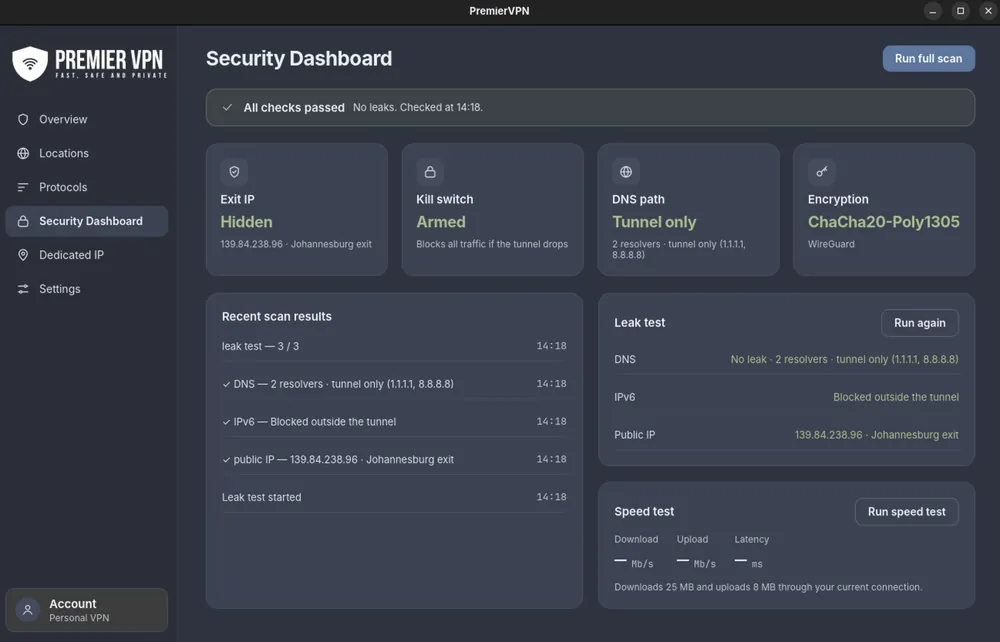
Find it in your app menu, or type premiervpn in a Terminal.
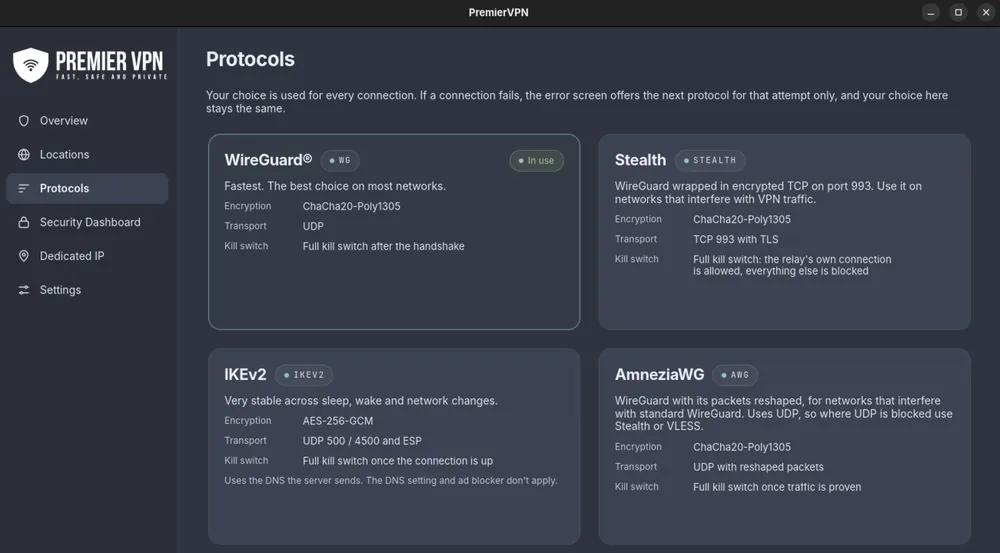
If IKEv2 or the tray icon is missing
Both are usually set up with the app. If they aren't:
- IKEv2 needs strongSwan. Without it, IKEv2 is hidden from the app. Install it:
Ubuntu and Debian
sudo apt install strongswan-swanctl charon-systemd libcharon-extra-plugins libstrongswan-extra-pluginsFedorasudo dnf install strongswan - The tray icon on GNOME needs the AppIndicator extension. Ubuntu includes it. On Fedora, install AppIndicator and KStatusNotifierItem Support from GNOME Extensions. KDE Plasma, Cinnamon, XFCE and MATE show the icon without extra steps. The app works fully without a tray icon.
Upgrading, updating and uninstalling
- From 1.x: install 2.0.2 over the top with the same command. The old background service is removed automatically, and you stay signed in with your settings and favourites.
- To a later 2.0.x: the same command with the new file. A connection that's up stays up where possible.
- Uninstall:
sudo apt remove premiervpn(orsudo apt purge premiervpnto remove the helper's saved state too), orsudo dnf remove premiervpnon Fedora. This disconnects the VPN and removes every network change the app made. Your own settings in~/.config/premiervpnstay unless you delete that folder.
To check which version you have, open Settings › General. This guide is for 2.0.2 or later.