
PremierVPN for iPhone & iPad
One tap to connect, and Auto mode finds the protocol that works on whatever network you're on: WireGuard®, AmneziaWG, VLESS or Stealth relay. Choose the calm Glass style, or Signal to see your whole connection live.
- Auto mode
- WireGuard® · AmneziaWG · VLESS
- Kill switch
- Zero logs
iOS 17.6 or later · iPhone and iPad · Setup guide
Two looks, one app
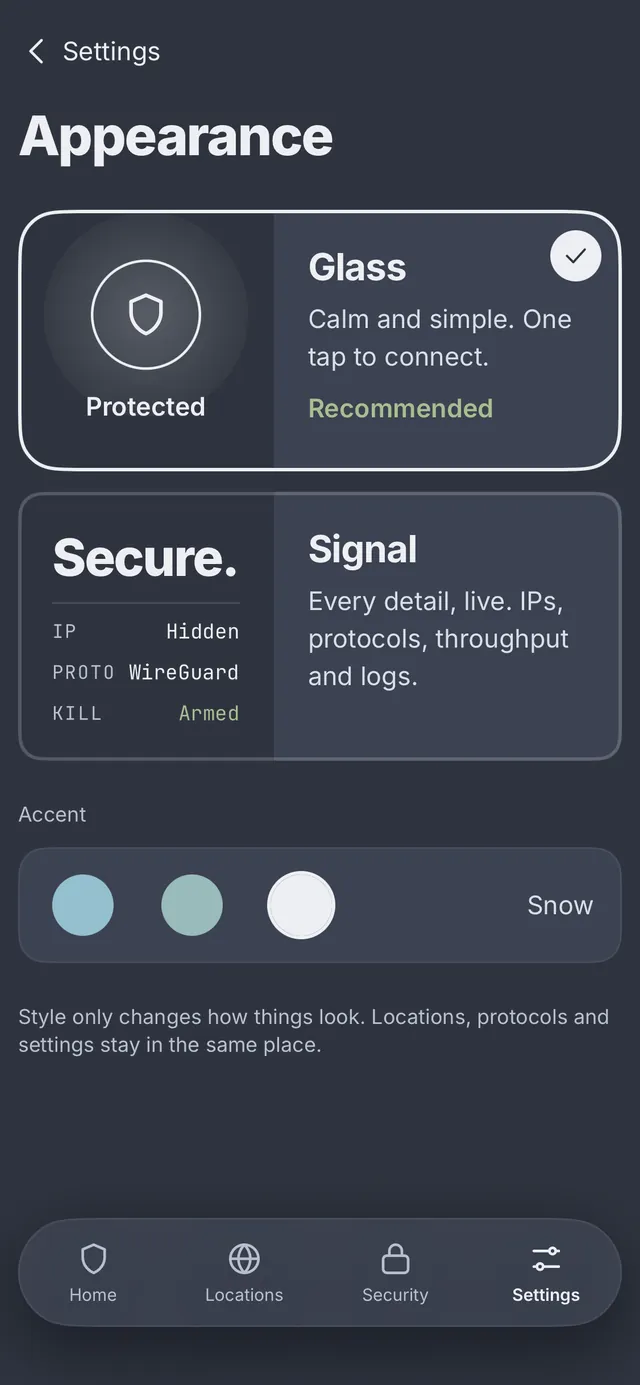
Switch style whenever you like and it changes instantly. Locations, protocols and settings stay exactly where they are; only the look changes.
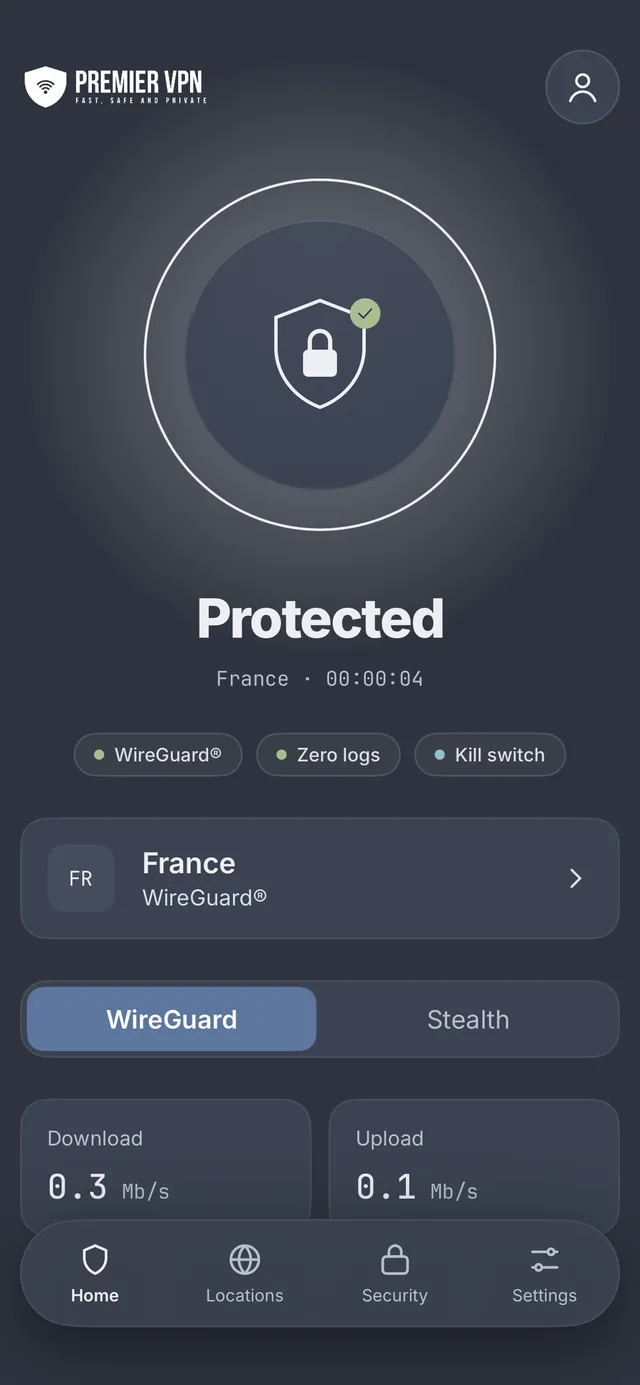
Glass
RecommendedCalm and simple, with one tap to connect. A big connect button, soft cards and a floating tab bar, built for getting protected without thinking about it.
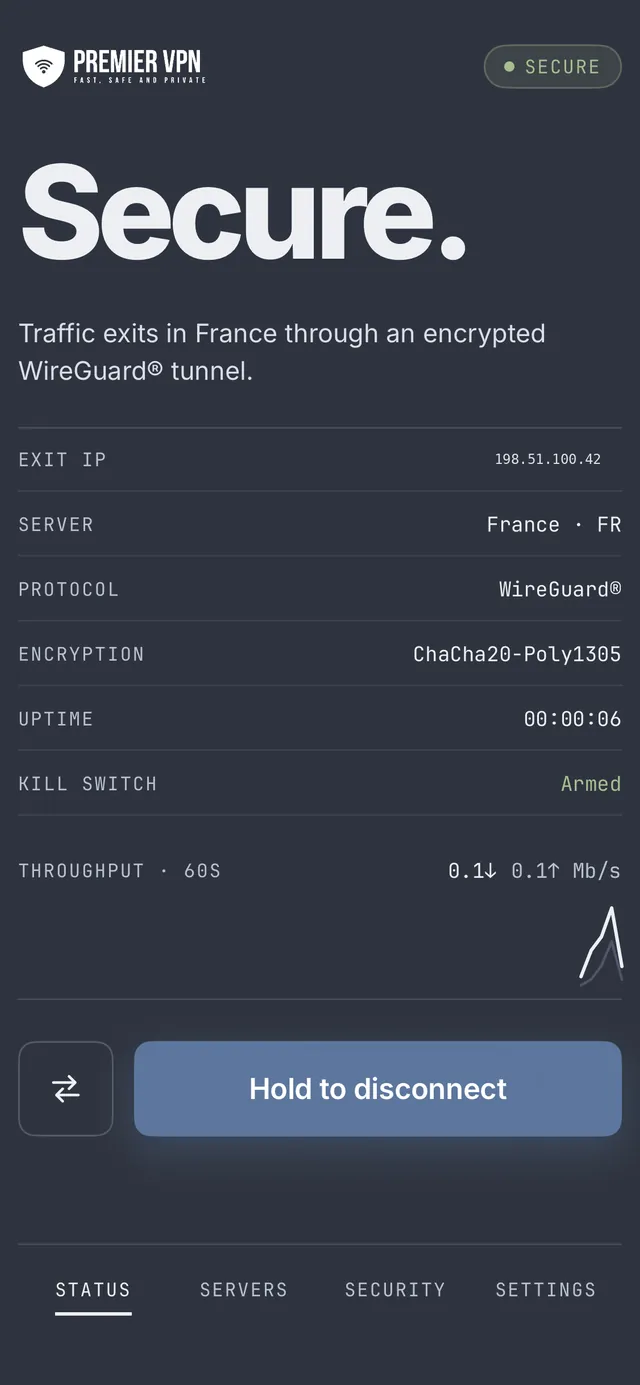
Signal
Every detail, live. A flat, data-first layout that shows your IP, protocol, throughput and logs as they happen.
- Mode
- Auto
- Proto
- WireGuard
- Kill
- Armed
Find a server. Check you're covered.
Find a server fast
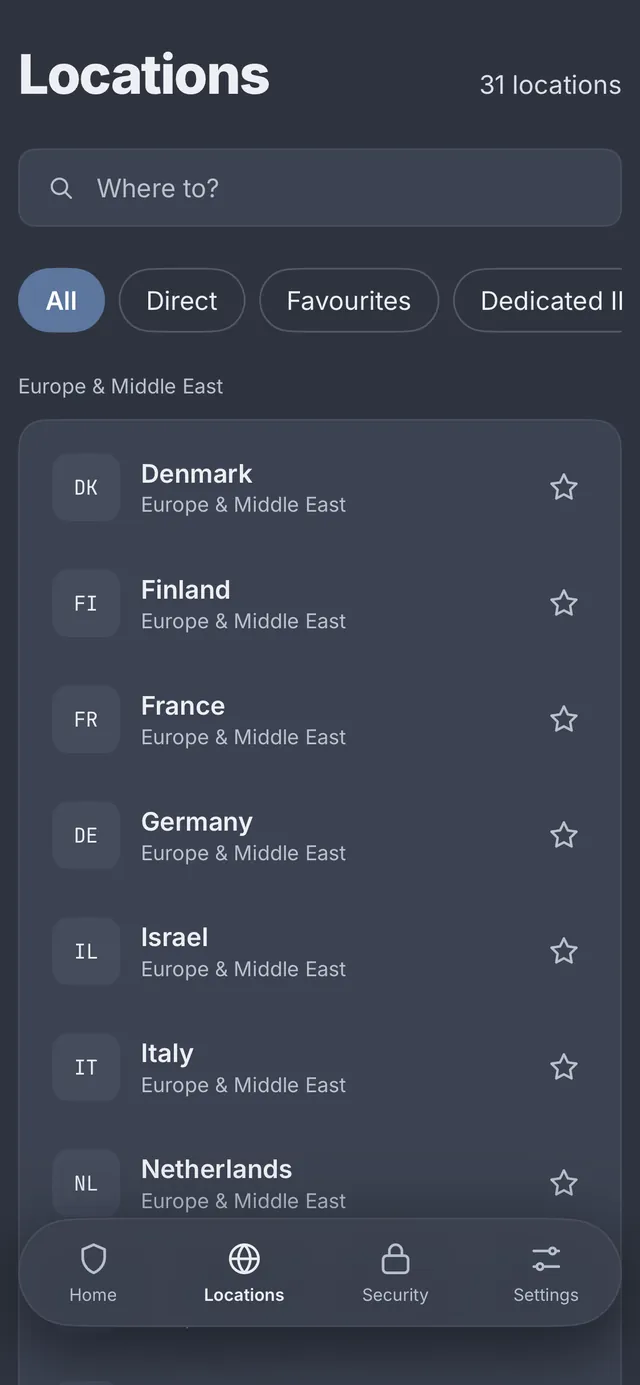
Search more than 30 locations by city, country or country code, and keep the ones you use most at the top.
- Star any location to add it to Favourites
- Tabs for Direct servers, your Dedicated IP and the new VLESS servers
- Choose Auto, WireGuard or Stealth right on the Home screen
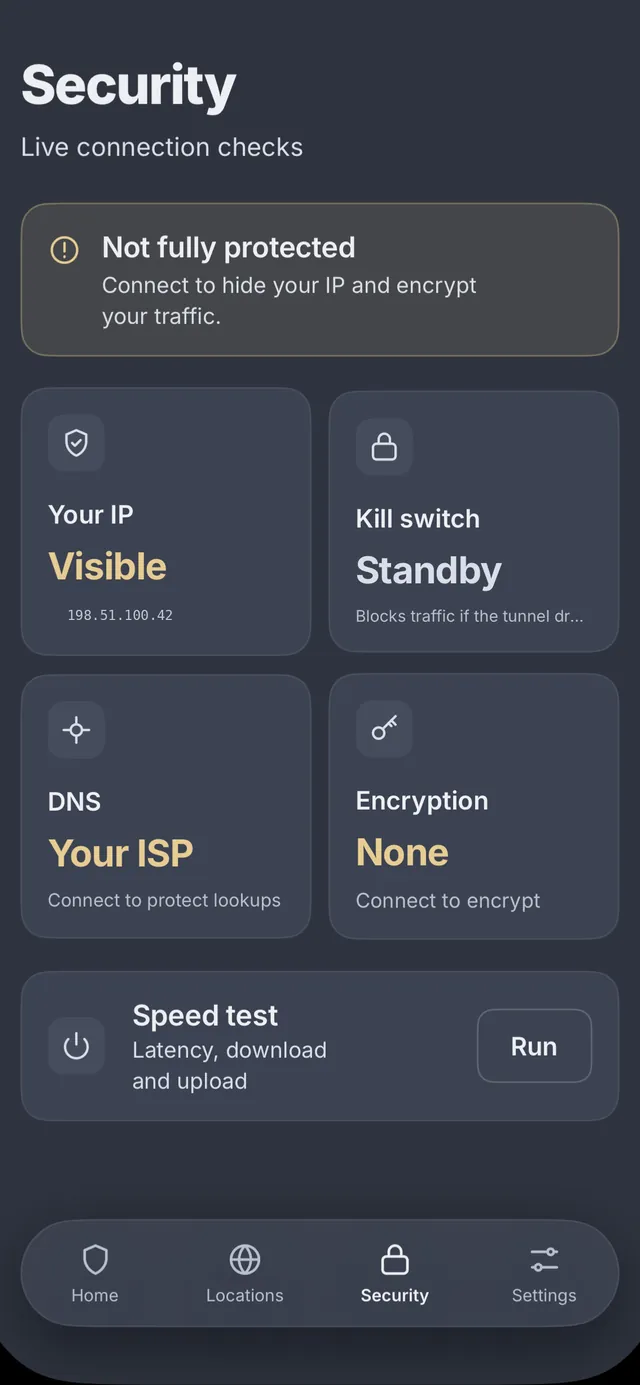
See exactly how protected you are
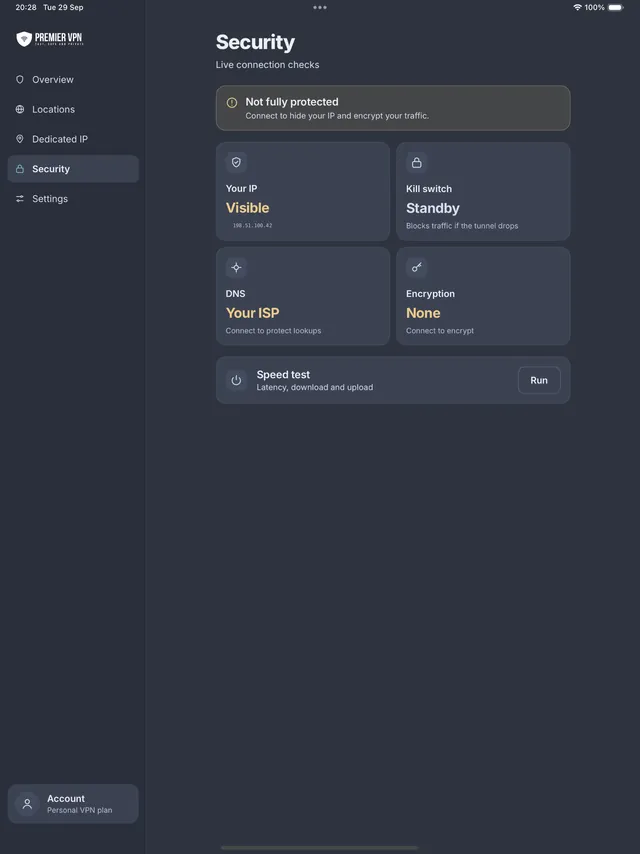
Live connection checks tell you in plain words what is and isn't covered, and what to do about it.
- Whether your real IP is visible
- Kill switch status, ready to block traffic if the tunnel drops
- Which DNS you're using, and whether traffic is encrypted
- A built-in speed test for latency, download and upload
Made for iPad too
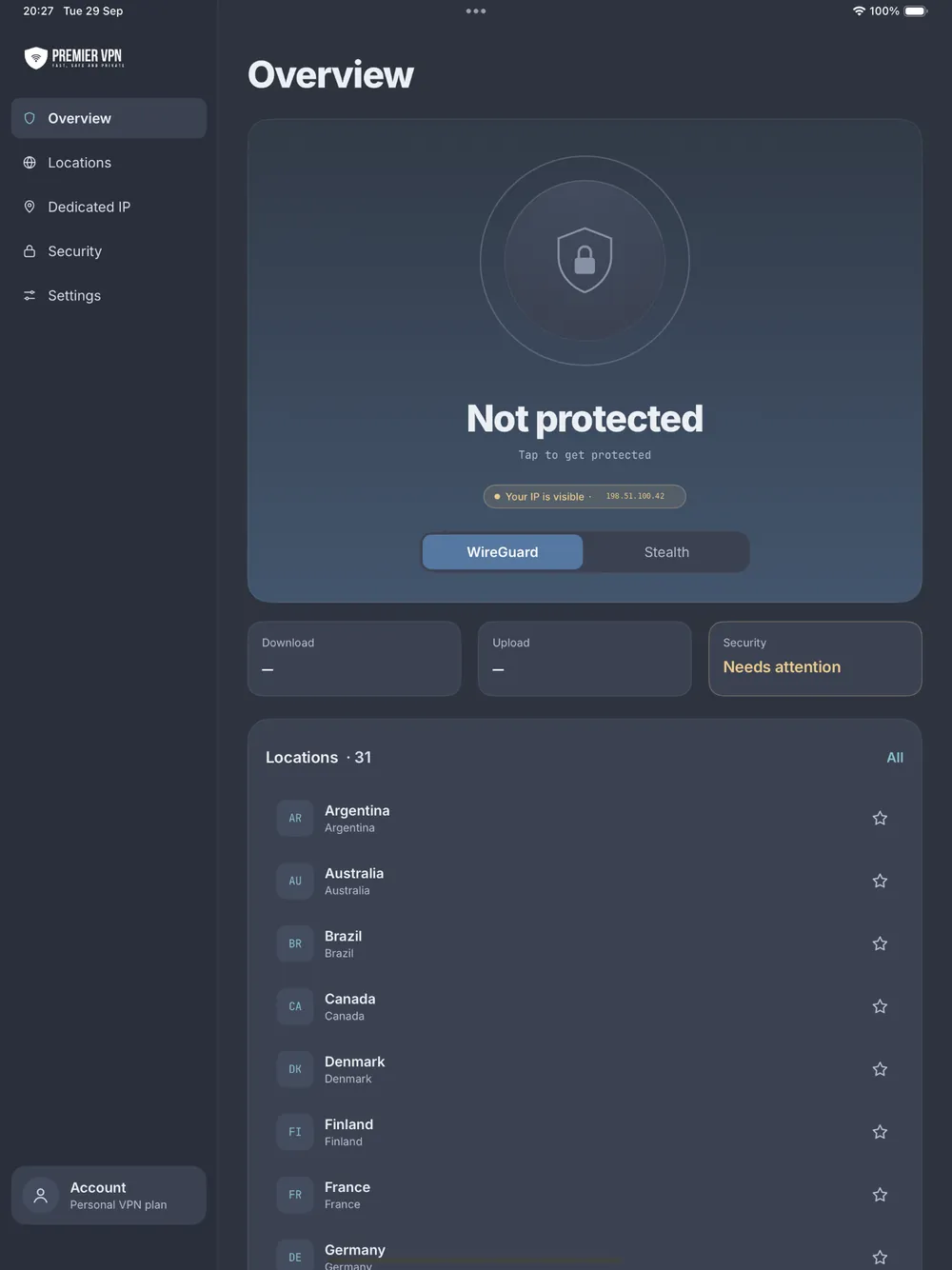
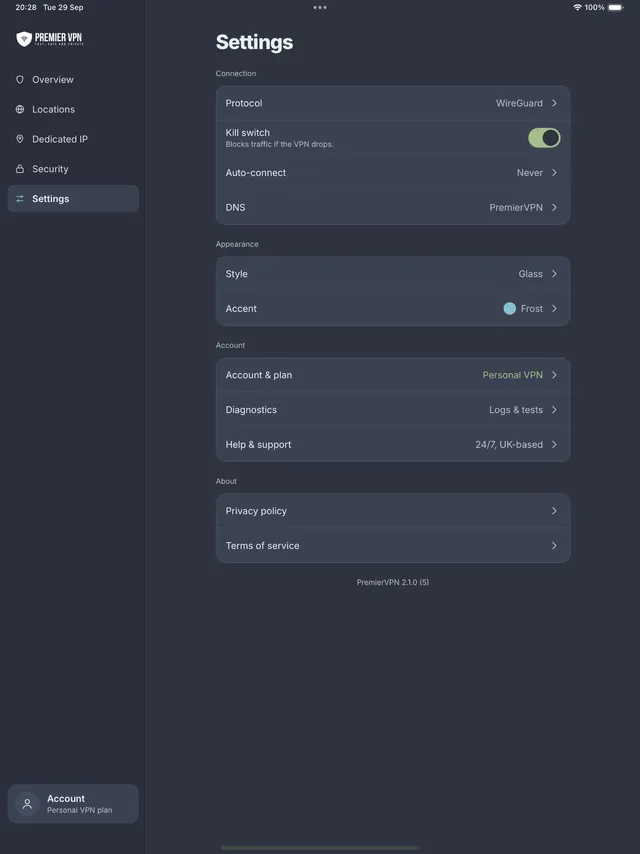
On iPad the app uses the extra room. A sidebar takes you to Overview, Locations, Dedicated IP, Security and Settings, with your connection and the full server list side by side.
The right protocol, picked for you
Leave it on Auto and the app tries each protocol in turn, keeps the first one that really carries traffic, and remembers what worked on each Wi-Fi network. Or choose one yourself on the Home screen: Auto, WireGuard or Stealth.
Auto
Tries WireGuard®, then AmneziaWG, REALITY, xHTTP, CDN and Stealth relay, and keeps the first that works. Next time on the same network, the one that worked is tried first.
WireGuard®
Modern, fast and light on battery, with ChaCha20-Poly1305 encryption. It reconnects on its own when you move between Wi-Fi and mobile data.
AmneziaWG
WireGuard® tuned for networks that interrupt standard VPN connections. Nearly as fast, and the kill switch works with it.
VLESS
Three options for networks with strict traffic policies. REALITY looks like an ordinary secure website connection, xHTTP suits networks that cut long-running connections, and CDN is for the most restrictive networks. A new VLESS tab lists these servers.
Stealth relay
WireGuard® inside an encrypted TLS connection, for networks that interrupt or slow down standard VPN connections.
Kill switch
Works with WireGuard®, AmneziaWG and Stealth relay. iOS can't use one with REALITY, xHTTP or CDN, and the app tells you whenever one of those is in use.
Why use a VPN on your iPhone?
Public Wi-Fi
Cafés, airports and hotels run open networks. PremierVPN encrypts everything you send, even on networks you don't trust.
Your ISP can't see
Your mobile network can see the sites you visit. With the VPN on, it only sees an encrypted connection.
No dropped sessions
Walk out of Wi-Fi range and onto 4G or 5G without reconnecting. WireGuard picks up where it left off.
Easy on battery
WireGuard is lightweight, so staying protected all day doesn't drain your phone the way older protocols can.
Strict networks
Hotel, office and campus Wi-Fi sometimes interrupt or slow down standard VPN connections. Auto finds a protocol that works there.
Dedicated IP
Add an IP address that's yours alone, handy for work logins, banking and sites that block shared VPN addresses.
What you need
- iOS 17.6 or later
- iPhone or iPad
- Wi-Fi or mobile data
- Download from the App Store
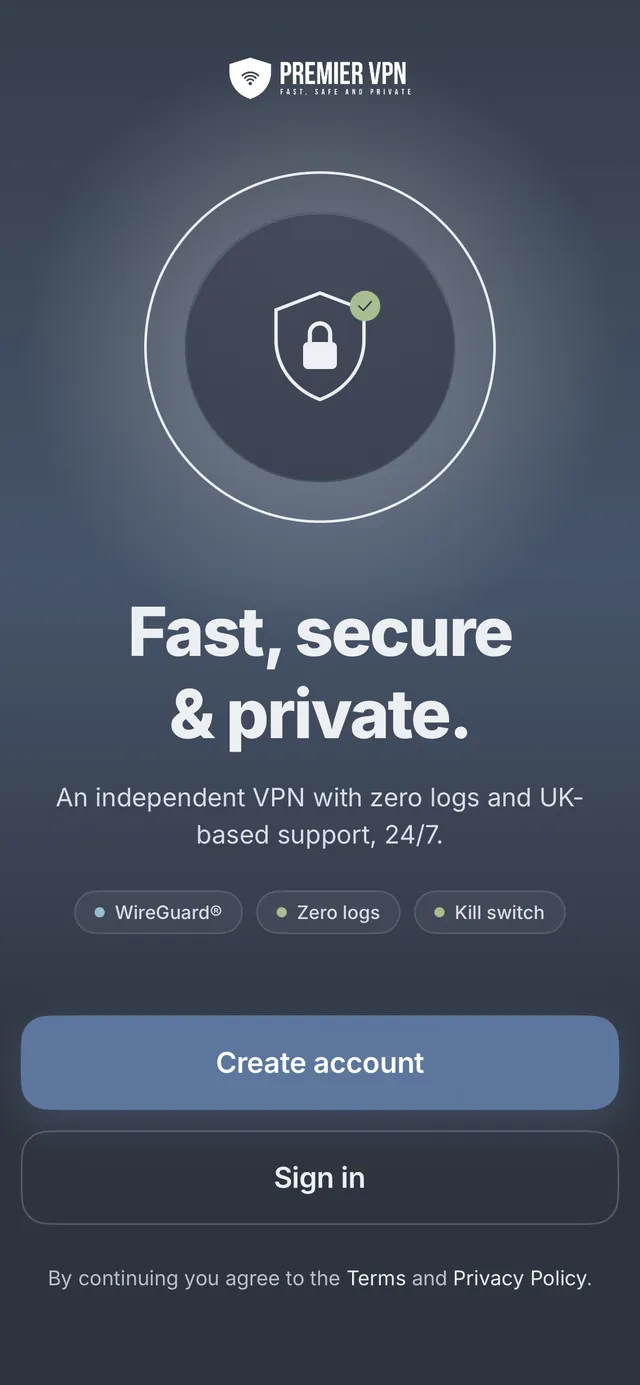
Protect your iPhone and iPad today
Download the app, create your account, and you're one tap from protected. UK-based support, 24/7.