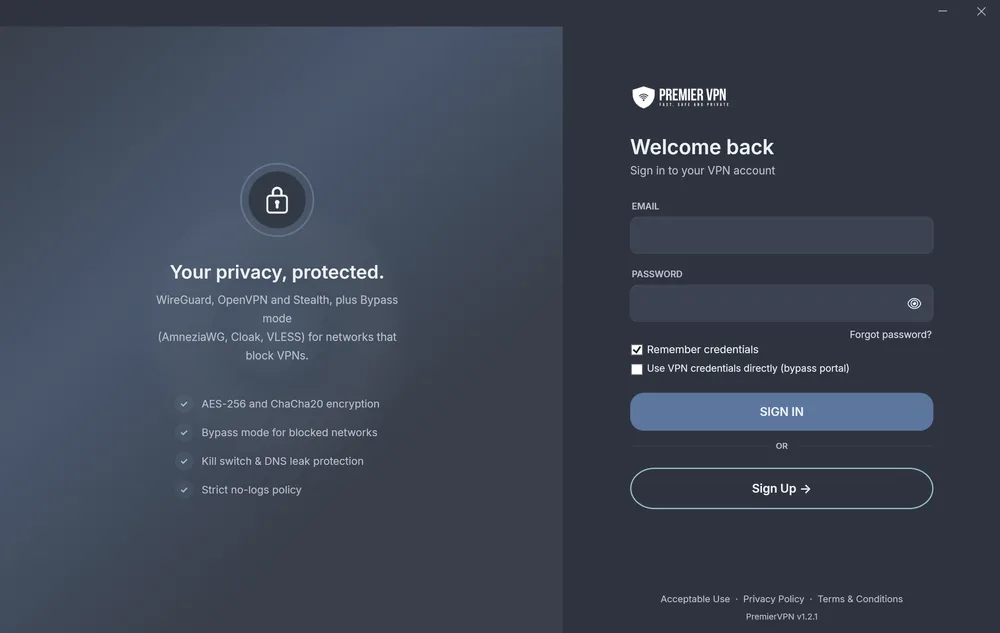
PremierVPN for Windows
One click to connect over WireGuard or OpenVPN, with the kill switch armed. When a network blocks VPNs, turn on Bypass and get through with AmneziaWG, Cloak or VLESS.
- WireGuard®
- Bypass mode
- Kill switch
- Zero logs
Windows 10 or 11 · 64-bit Intel/AMD · ARM64 version · Setup guide
Everything on one screen
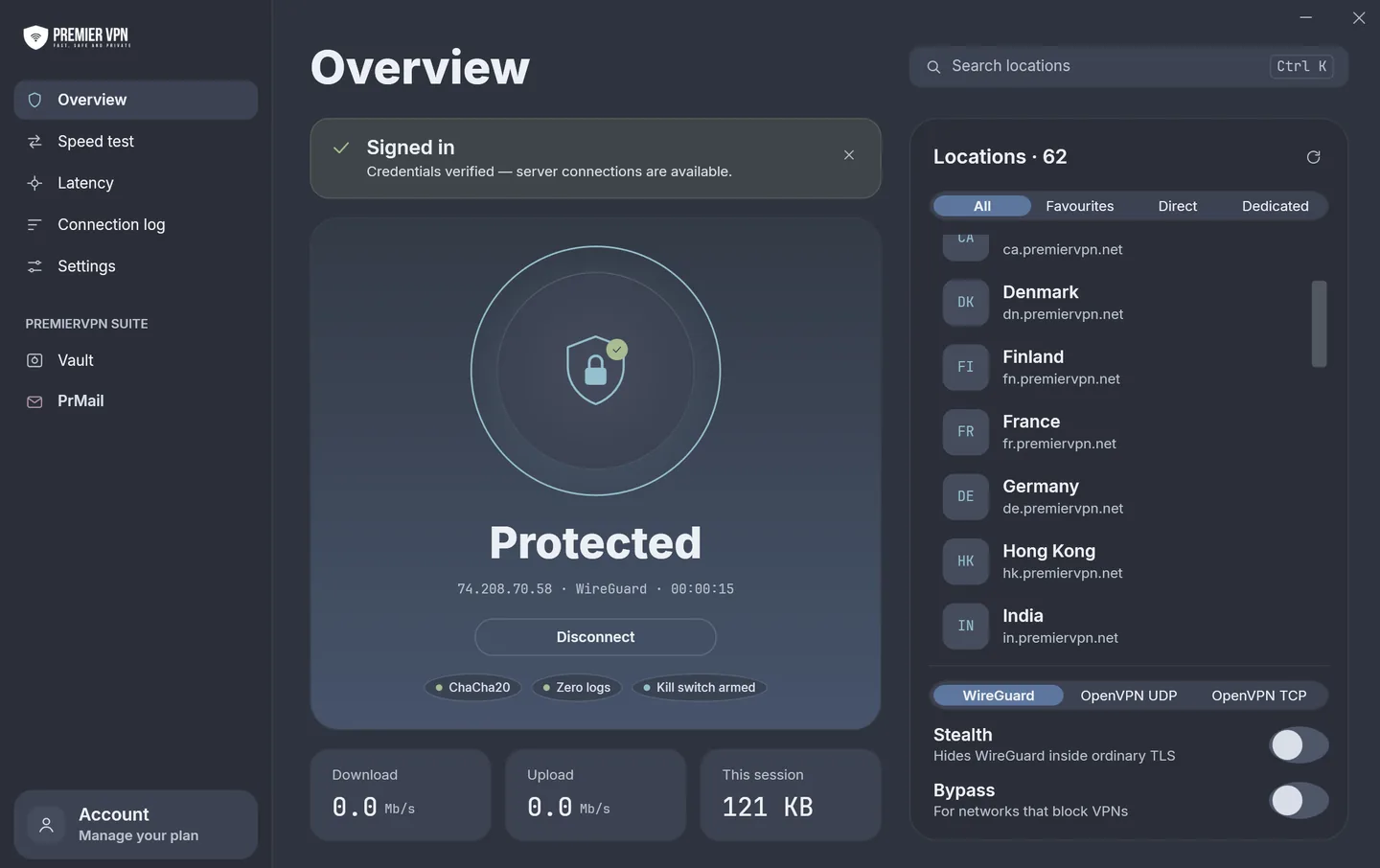
Your status, every location and the protocol switch sit side by side, so you can see where you're connected and change it without digging through menus.
Clear status
Protected or Not protected, in big letters, with your IP, protocol and time connected underneath.
Find a server fast
Press Ctrl K to search 30+ locations. Filter to Favourites, Direct servers or your Dedicated IP.
Switch protocol in a click
WireGuard, OpenVPN UDP or OpenVPN TCP, right under the server list, with Stealth and Bypass beside them.
Live traffic
Download and upload speed, and how much data you've used this session.
Speed test and latency
Built-in speed and latency tools in the sidebar, so you can check a connection without leaving the app.
Connection log
Watch what the app is doing as it connects, which makes problems easy to spot and easy to report.
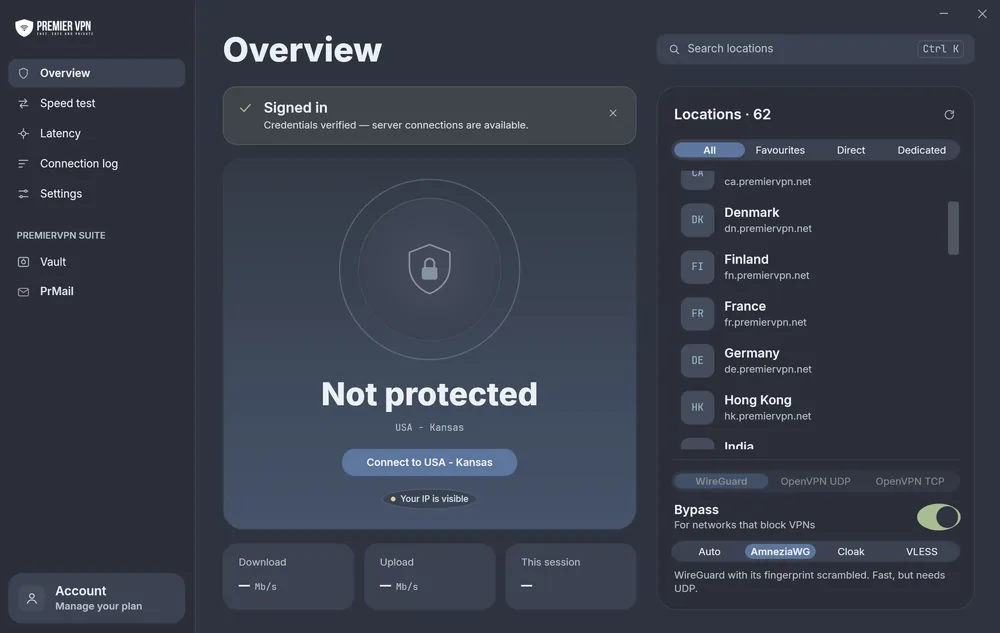
Bypass mode
Offices, schools, hotels and some countries block VPN traffic outright. Turn on Bypass and the app connects in a way that's built to get through.
Connect your way
WireGuard is the default and the fastest. Pick another in one click, or set your own default in Settings.
WireGuard®
Modern, lean and quick to connect. The best choice for everyday use, streaming and gaming.
ChaCha20-Poly1305OpenVPN
The long-trusted standard. UDP for speed, TCP for reliability on poor or restrictive connections.
AES-256-GCMStealth
Wraps WireGuard in TLS on port 993, so it looks like ordinary encrypted traffic. One switch on the overview.
WireGuard inside TLS · port 993Two looks, one app
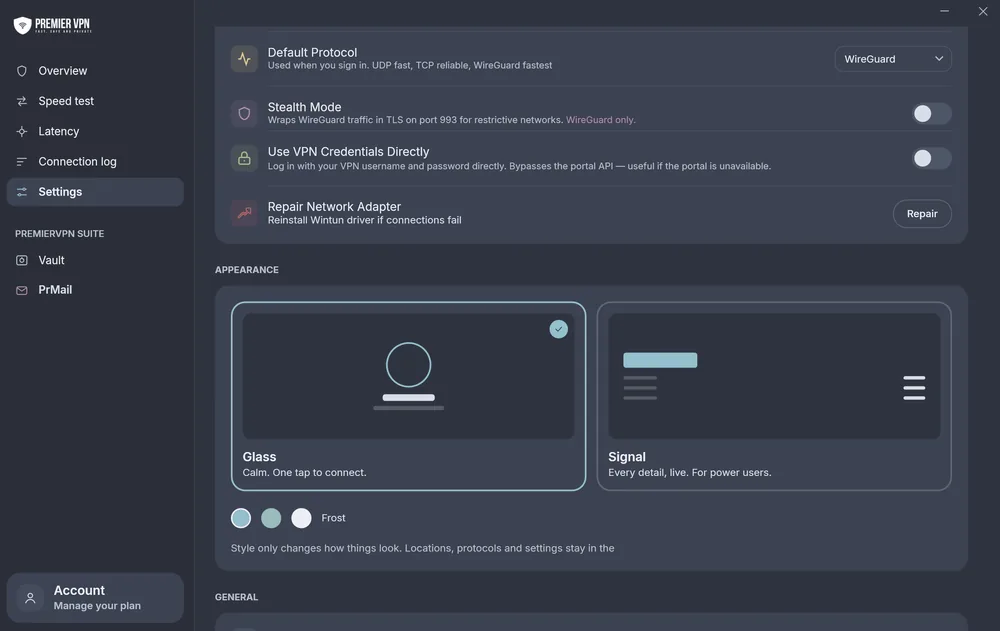
Switch style whenever you like. Locations, protocols and settings stay exactly where they are; only the look changes.
No leaks, by default
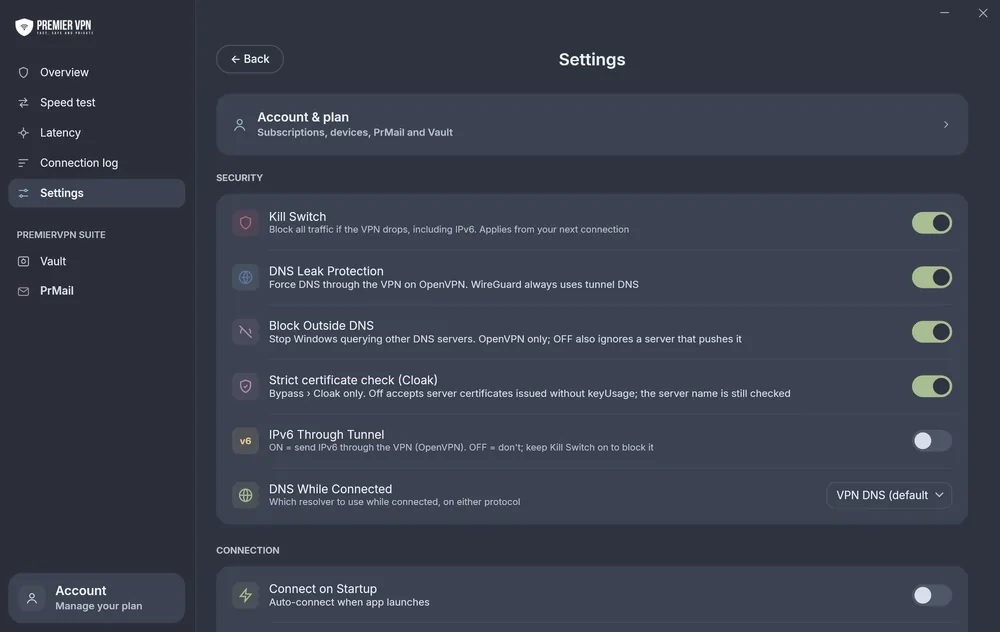
Every protection is a single switch, and each one says in plain words what it does.
- Kill switch blocks all traffic if the VPN drops, IPv6 included.
- DNS leak protection forces DNS through the VPN on OpenVPN. WireGuard always uses the tunnel's DNS.
- Block outside DNS stops Windows asking other DNS servers behind your back.
- DNS while connected lets you choose which resolver to use.
- IPv6 through the tunnel, or kept blocked: your choice.
- Strict certificate check for Cloak connections.
Made for Windows
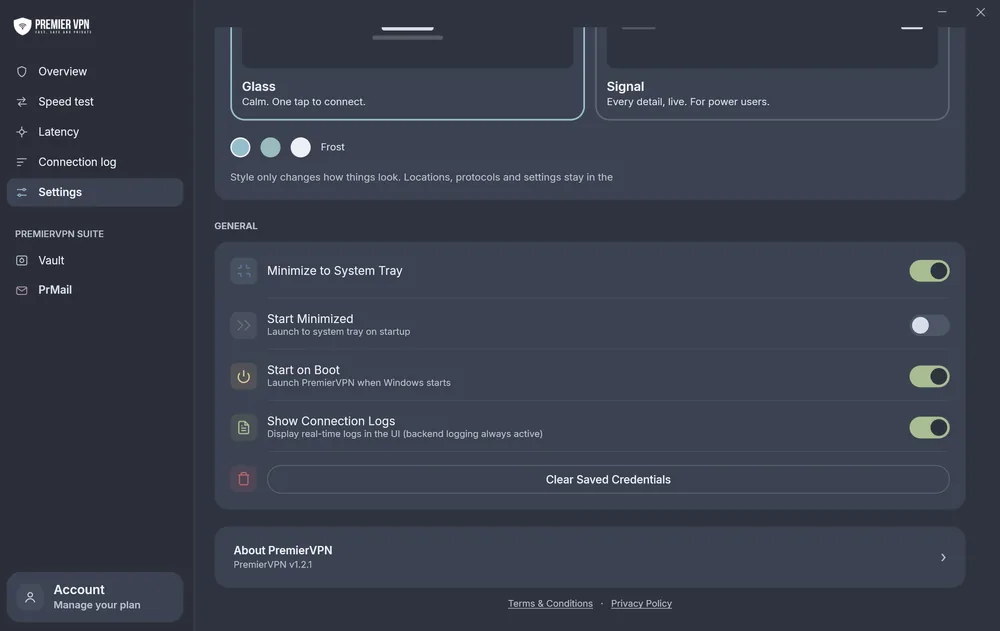
It starts with Windows, stays out of your way in the system tray, and fixes its own network adapter if something goes wrong.
- Start on boot, start minimised and connect on startup, so you're protected before you open a browser.
- Minimise to the system tray instead of the taskbar.
- Repair network adapter reinstalls the Wintun driver in one click if connections fail.
- Sign in with your VPN credentials directly, so you can still connect if the portal is unavailable.
- Clear saved credentials whenever you hand the PC to someone else.
More than a VPN
Vault and PrMail are in the same app, one click from your connection.
Vault
Store files with zero-knowledge encryption. They're encrypted with AES-256 on your PC before upload, so we never see what's inside.
About Vault →PrMail
Encrypted email with a private @prmail.uk address. No tracking, no ads, no data mining. Included with Premium and Business plans.
About PrMail →What you need
- Windows 10 or 11
- 64-bit Intel/AMD or ARM64
- Administrator rights to install
- A PremierVPN account
Protect your PC today
Download the app, sign in with your PremierVPN account, and you're one click from protected. UK-based support, 24/7.