8 min read
You've landed in Spain for a fortnight's holiday, settled into your apartment, and tried to catch up on the latest episode of your favourite BBC drama — only to be greeted with "This content is not available in your location." Sound familiar?
UK streaming services are geo-restricted, meaning they only work when you're physically in the United Kingdom. But with a VPN, you can connect to a UK server and access all your favourite services as if you never left.
Why UK Streaming Services Block You Abroad
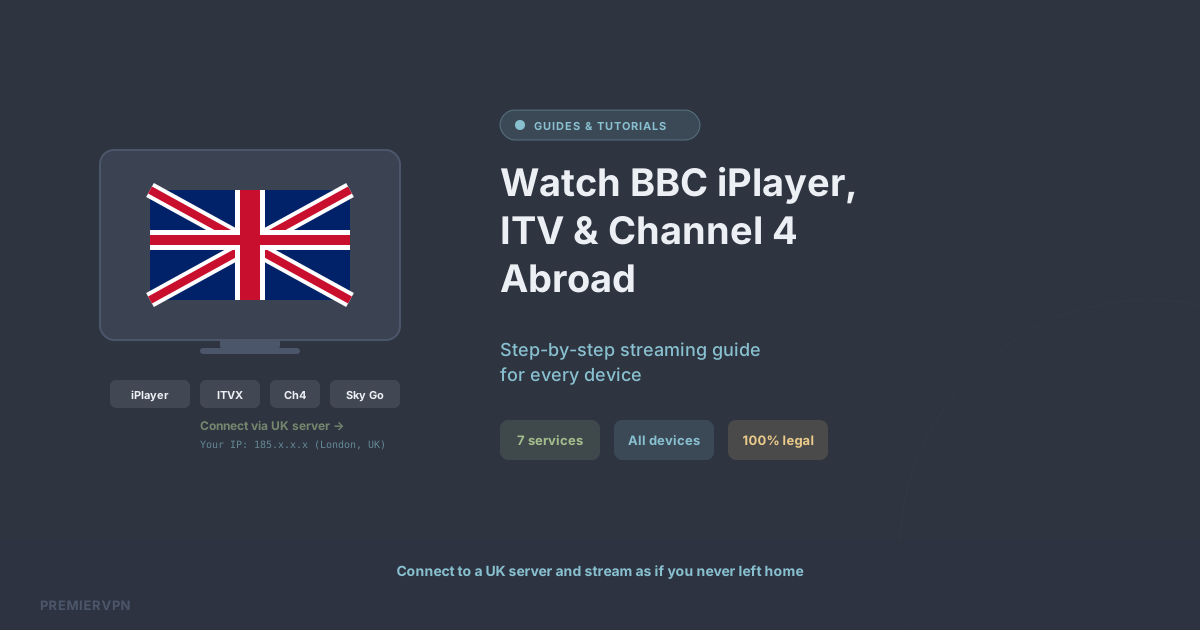
BBC iPlayer, ITVX, Channel 4, and other UK services are licensed to show content only within the UK. When you're abroad, your device has a foreign IP address, and the streaming service blocks access based on that. A VPN gives you a UK IP address, so the service treats you as if you're at home.
Step-by-Step: Watch UK TV Abroad
Step 1: Get PremierVPN
Sign up at premiervpn.net and download the app for your device — we support Windows, macOS, iOS, Android, Linux, and Fire TV.
Step 2: Connect to a UK Server
Open the PremierVPN app and connect to any UK server. You'll immediately be assigned a UK IP address.
Step 3: Open the Streaming App
Launch BBC iPlayer, ITVX, Channel 4, or whichever service you want to watch. The service will see your UK IP address and grant access.
Step 4: Start Streaming
That's it. Browse and stream as if you were sitting on your sofa in the UK.
Which Services Work?
- BBC iPlayer: Full access to live TV and on-demand content
- ITVX: Live channels and the full on-demand library
- Channel 4: Live streaming and catch-up
- Channel 5 / My5: On-demand and live
- Sky Go: Works with an existing UK Sky subscription
- Now TV: Full access with a UK account
- BritBox: Complete UK library
Tips for the Best Streaming Experience
Use WireGuard. It's our default protocol and delivers the fastest speeds — essential for buffer-free streaming in HD and 4K.
Connect to our dedicated streaming servers. These are optimised for high-bandwidth, low-latency connections to UK streaming platforms.
Clear your browser cookies before connecting. Some streaming services cache your location from a previous session, so clearing cookies ensures they pick up your new UK IP.
Use the app, not the website. Streaming apps are generally more reliable with VPNs than browser-based players, which may use WebRTC to detect your real IP.
Is This Legal?
Using a VPN is completely legal in the UK and in most countries worldwide. The BBC's terms of service state you need a TV licence to watch iPlayer — they don't restrict VPN use. As long as you have a valid TV licence, you're within your rights to watch from abroad.